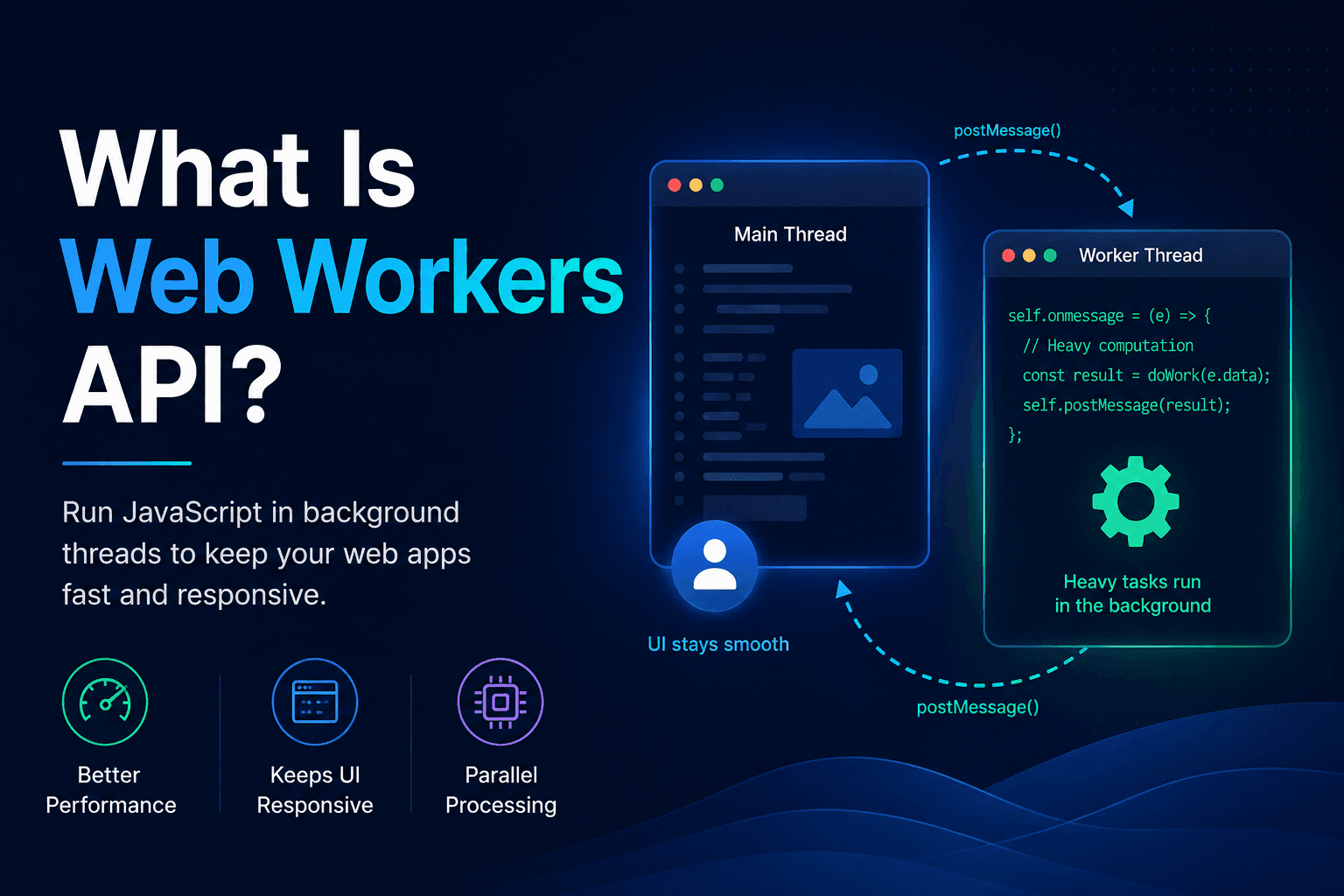
What Is Web Workers API?
Web Workers API allows you to run JavaScript in background threads, separate from the main execution thread. This keeps your UI responsive, improves performance, and enables heavy tasks to run without blocking the user experience.
Web Workers allow the browser to run dedicated JavaScript code in a worker thread separate from the main execution thread. That's useful because it's possible to avoid blocking or at least slowing down the main execution thread when performing computationally expensive, long-running operations.
Almost any JavaScript code can be run in a worker thread. The only limitations are that the DOM can't be manipulated from within the worker thread, and some of the default properties/methods of the global Window object aren't available.
A worker is an object created using a constructor (e.g., Worker()). This object is used to execute a named JavaScript file. The code contained in that file will be executed in a worker thread.
Workers and the main execution thread communicate via a messaging system. Both the worker and the main thread use the postMessage() function for posting messages and the onmessage event for processing incoming messages. Each incoming message body is contained in the data property of an event object.
A worker can spawn new workers, as long as they are hosted on the same origin as the parent page.
Actually, there are different types of web workers:
- Dedicated workers
- Shared workers
- Service workers
Dedicated workers are probably the simplest ones. One dedicated worker can be utilized by only one script.
Shared workers, on the other hand, can be used by multiple scripts running in different browser windows, iFrames, tabs, etc., as long as they are in the same domain as the worker. Communication with shared workers is a bit more complex, as they have to use a shared active port.
Service workers serve as a proxy between the web applications, the browser, and the network (if available). They are intended (among other purposes) for implementing effective offline experiences, intercepting network requests and performing different operations based on whether the network is available, and keeping assets stored on the server synced. Service workers also give access to push notifications and various background sync APIs.
Example Of A Dedicated Web Worker
This example shows how to create and interact with a dedicated web worker. The main.js file contains the main execution code and the worker.js includes code that will be executed in a separate worker thread.
if (window.Worker) {
	const worker = new Worker("worker.js");

	const range = { from: 0, to: 10000 };

	worker.postMessage((range));

	console.log("Message is posted from the main thread to the worker!");

	worker.onmessage(event => {
		console.log("Message from the worker is received in the main thread:", JSON.stringify(event.data));
	});
} else {
	console.warn("Web Workers aren't supported by this browser.");
}self.onmessage = (event) => {
const { data } = event;
console.log("Worker received a message from the main thread:", JSON.stringify(data));
const { from, to } = data;
// pretending that some long-running operation is happenning in this thread
for (let i = from; i <= to; i++) {
console.log(i);
}
console.log("Posting a message to the main thread...");
self.postMessage("Result computation completed successfully.");
console.log("Worker posted the message to the main thread!");
}I hope this article was useful. If you have any questions, don't hesitate to reach out to me via the contacts that can be found on the Contact page!
Related posts
- Using SQS between upload and image processing
How to send a small job to Amazon SQS after the file is in S3. Covers SendMessage, long polling, visibility timeout, and deleting the message only after the worker finishes.
- Saving uploaded images to S3
How a Node.js API writes the original file to Amazon S3 with PutObject and returns HTTP 202. Resizing happens later, not in the same request.
- Log-Structured Merge Trees: Fast Writes Without Rewriting Pages
How LSM trees buffer writes in memory, flush sorted files, compact in the background, and trade read and space costs for high ingest – plus when a B-tree still fits better.